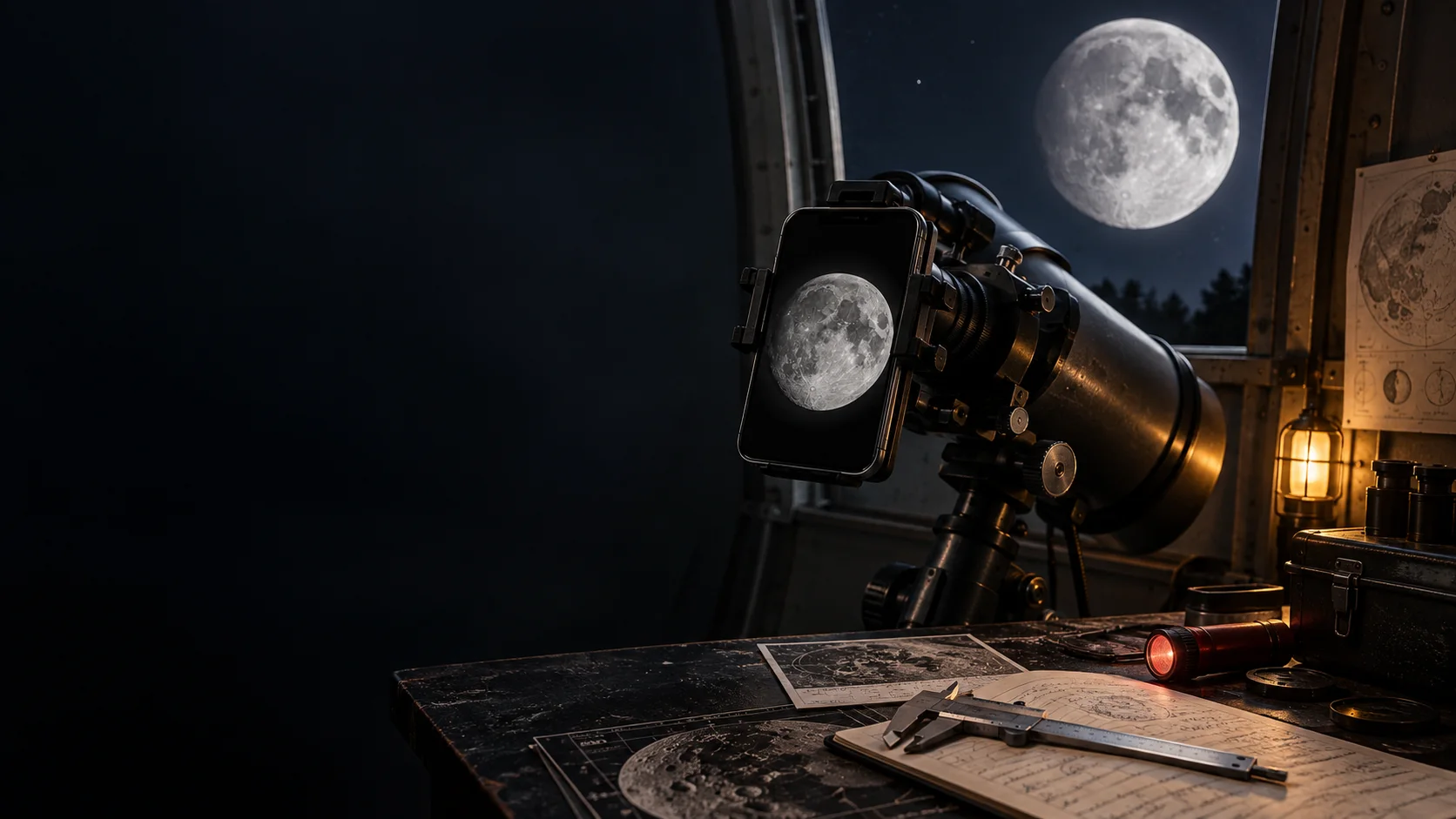
Measured-fit setup finder
Two measurements beat a top-ten list.
The finder compares your actual clamp point and phone body with complete published ranges. Exact values stay in your browser; analytics receives only broad anonymous bands after consent.
The no-buy capture protocol
Fix the white blob before buying hardware.
NASA's guidance starts with technique and equipment already on hand. These four moves separate exposure and stability problems from a real need for more image scale.
Choose scene or surface.
A phone alone is good for Moon-in-the-landscape composition. A telescope adds image scale for craters, but also adds alignment and balance problems.
Use a tripod, firm support, or mounted optic, then trigger with a timer or remote.
Focus on the Moon and lower brightness until the surface is gray with visible structure.
Atmosphere, motion, and focus vary. Keep the best frame instead of trusting one press.
Three specification-based routes
Pay for the adjustment you need.
These examples cover manual, two-axis, and three-axis alignment. They are researched from current manufacturer specifications, not presented as hands-on reviews.
Basic Smartphone Adapter, 1.25 inch
Lowest-cost path when both measurements fit
- Adjustment
- Manual two-knob placement
- Eyepiece
- 29 to 45 mm outside diameter
- Phone
- 56 to 97 mm body width
The minimal clamp. It can hold a phone over a compatible eyepiece, but alignment is manual and changing cameras or eyepieces means setting it up again.
Either measurement falls outside the published range, you swap setups often, or fine centering is already the part that frustrates you.
We may earn a commission if you buy through this link.
Check current availabilityNexGO DX Smartphone Adapter Kit
A wider phone range and repeatable centering
- Adjustment
- X/Y fine adjustment plus remote
- Eyepiece
- 25.4 to 44.45 mm outside diameter
- Phone
- 58 to 103 mm body width
The practical middle route. Two geared axes help center the camera, the holder folds for storage, and the DX kit includes a remote shutter release.
Your eyepiece is wider than 44.45 mm, you need camera-to-eyepiece distance control, or the extra weight makes the optic difficult to balance.
We may earn a commission if you buy through this link.
Check current availabilityNexYZ DX Smartphone Adapter Kit
Controlling centering and eyepiece distance
- Adjustment
- X/Y/Z fine adjustment plus remote
- Eyepiece
- 35 to 60 mm direct clamp range
- Phone
- 65 to 90 mm body width
The full-adjustment route. The third axis changes camera distance from the eyepiece, which can make circular framing and vignetting easier to tune.
Your phone is outside its narrower published width range, your eyepiece is under 35 mm without a specifically supported adapter, or two-axis alignment already works.
We may earn a commission if you buy through this link.
Check current availabilityTroubleshooting desk
Read the failure pattern.
Moon is a white disk
Lower exposure while focused on the Moon. Hardware cannot recover highlights the phone already clipped.
Dark ring or tiny circle
Re-center the active camera and change its distance from the eyepiece. This is the clearest reason to value Z-axis control.
Image sharpens, then drifts
Lock every clamp, use the timer or remote, and check whether the optic is tipping under the phone's off-center mass.
Two camera views jump around
The phone may be switching lenses. Select one camera before alignment and avoid controls that trigger an automatic lens change.
Hard safety boundary
The Moon setup is not a Sun setup.
Never point a telescope, binocular, monocular, or phone-mounted optic at the Sun without a purpose-built solar filter correctly secured over the front of the optics. A phone screen does not make unsafe solar viewing safe.
Read NASA safety guidanceShort answers before checkout.
Can I photograph the Moon with only a phone?
Yes. Treat the Moon as part of a wider composition, stabilize the phone, focus on the Moon, lower exposure until the disk is gray rather than white, use a timer, and take many frames. A telescope is needed only when you want the optic to supply more image scale and resolved detail.
Why does the Moon look like a white blob on my phone?
The phone is balancing a bright sunlit disk against a dark sky. Focus on the Moon and reduce exposure or brightness until features appear instead of letting the camera brighten the whole night scene.
Does any phone adapter fit a 1.25-inch eyepiece?
No. The 1.25-inch label normally describes the barrel that enters the focuser, while phone adapters clamp around a different outside surface. Measure the actual clamp point and compare it with the published range.
Is a three-axis adapter always better?
No. The third axis helps tune camera distance from the eyepiece, but it adds cost and setup. If a simpler compatible clamp stays centered and gives a usable field, the extra mechanism may solve nothing.
Can a phone Moon photo prove a geometric claim?
A single phone image is not proof-grade measurement. Useful parallax or position work needs synchronized observations, known image scale, preserved metadata, comparison stars, and an uncertainty estimate.
Inspect the source trail.
Technique comes from NASA. Fit ranges and mechanisms come from current manufacturer pages. Product designs and availability can change.
Lunar Photography Guide
NASA ScienceRecommends starting with existing equipment, stabilizing a phone, focusing on the Moon, lowering brightness, using a timer, and taking many attempts.
Open sourceAstrophotography With Your Smartphone
NASA Night Sky NetworkFrames the bright Moon as a beginner target and emphasizes steadiness, locked focus, exposure control, processing, and practice before upgrades.
Open sourceSmartphone Adapter Compatibility Checker
CelestronChecks Celestron instruments and eyepiece outside diameter against the manufacturer's adapter families.
Open sourceBasic Smartphone Adapter, 1.25 inch
CelestronPublishes a 29 to 45 mm eyepiece range and describes the manual phone-to-eyepiece alignment method.
Open sourceSmartphone Adapter DX Kit, 1.25 inch
CelestronPublishes the Basic adapter's 56 to 97 mm phone range and includes a remote shutter release in the DX configuration.
Open sourceNexGO DX Smartphone Adapter Kit
CelestronPublishes 25.4 to 44.45 mm eyepiece and 58 to 103 mm phone ranges, X/Y adjustment, weight, materials, and included remote.
Open sourceNexYZ DX Smartphone Adapter Kit
CelestronPublishes the 35 to 60 mm direct-clamp eyepiece range, 65 to 90 mm phone range, X/Y/Z adjustment, and included remote.
Open source